Pinterest Video Downloader — Save Videos in HD
Download Pinterest videos in HD quality up to 1080p. No login, no watermark, 100% free.
Supports: pinterest.com/pin/ · pin.it short links · All country domains
- SSL Secured
- No Login Required
- No Watermark
- 100% Free


How to Download Pinterest Videos — 3 Easy Steps
- Step 1
Find a Pinterest video
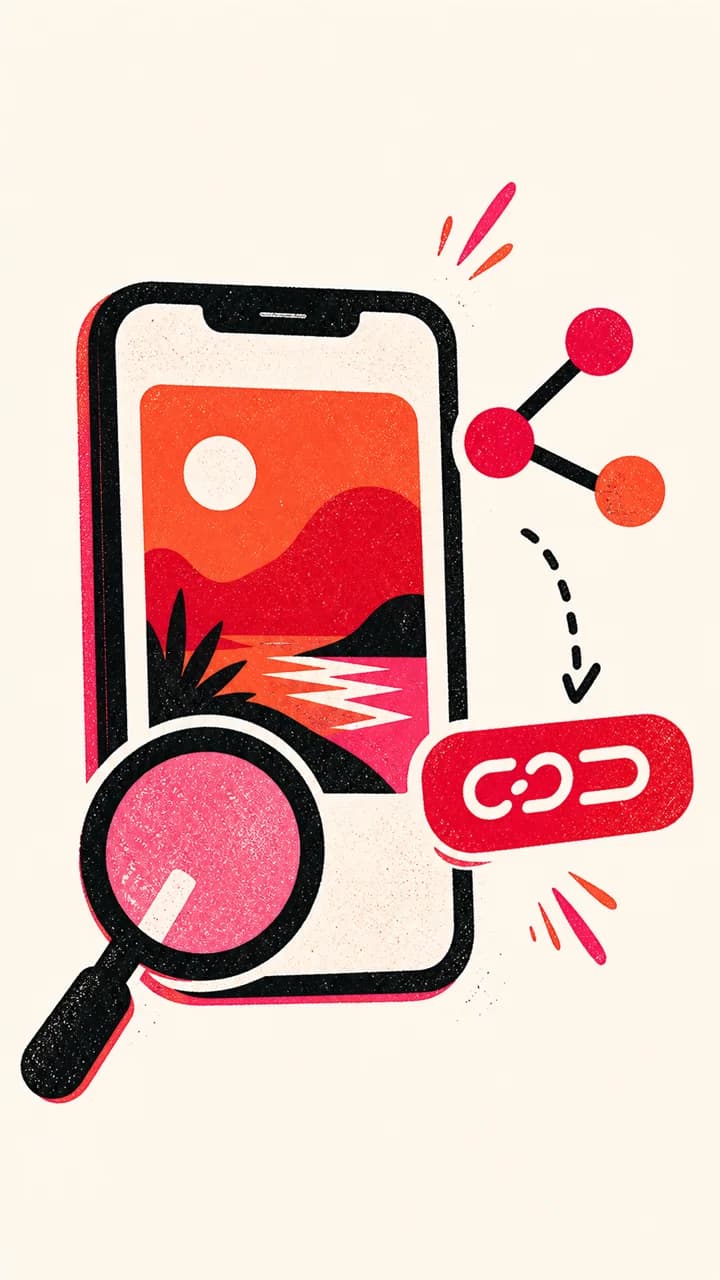
Open the video Pin you want to save and copy its link from the Share menu.
- Step 2
Paste the video link
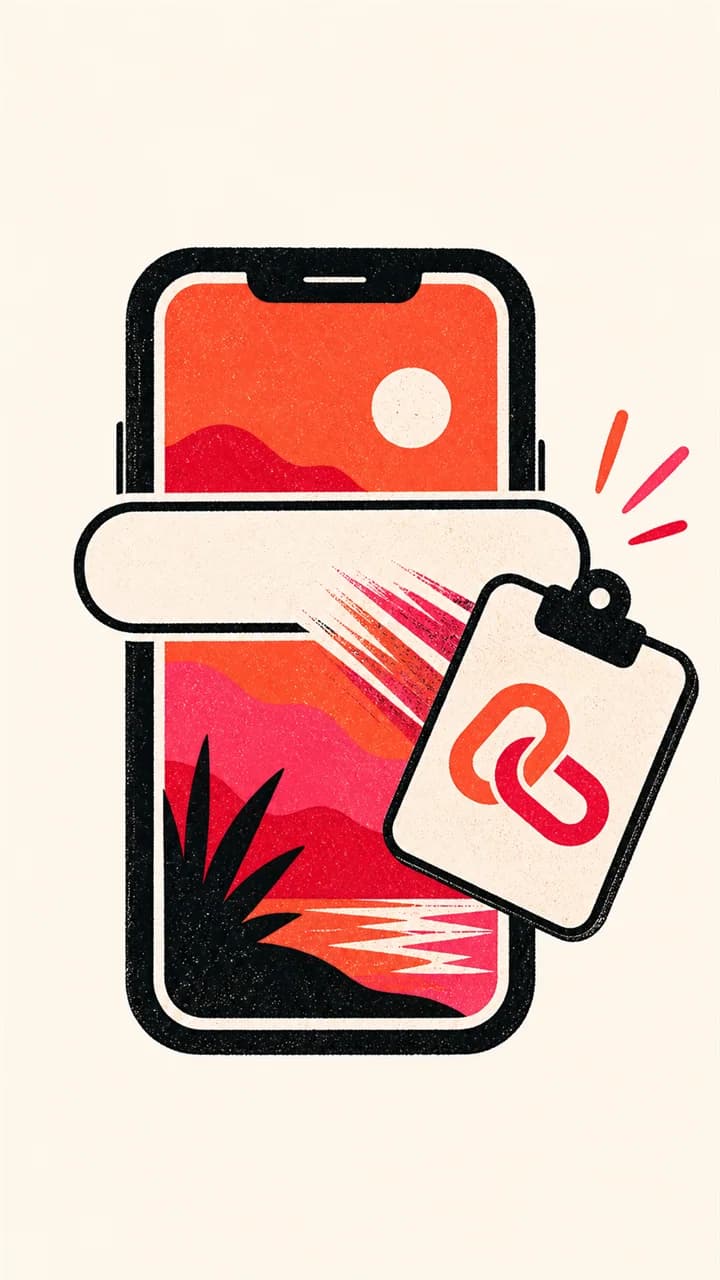
Paste the copied Pinterest video link above and click Download.
- Step 3
Choose a video quality
Select 1080P, 720P, 480P or 360P when that quality is available, then save the MP4 file.



Guide
What the quality choices actually mean
SavePinner lists the video files that Pinterest makes available for that public Pin. A result may include several MP4 renditions, or only one. The number shown beside a choice describes that file's available resolution; it is not an artificial upscale created by this site.
Choose the largest rendition when you want the best source available for offline viewing or editing. Choose a smaller rendition when mobile data, storage space or sharing speed matters more. The exact choices vary because creators upload different source files and Pinterest does not generate the same set of renditions for every Pin.
Pinterest can also play segmented HLS or DASH streams inside its page. Those streams are many small pieces rather than one progressive file, so SavePinner only lists complete MP4, MOV or WebM renditions it can verify. A Pin can therefore play on Pinterest while exposing no single downloadable video file. Some source renditions may also be silent; the tool does not invent or merge an audio track that is not part of the returned file.
- 1080P appears only when Pinterest exposes a 1080P rendition for that Pin.
- A lower-resolution upload cannot be converted into real HD by selecting a larger label.
- Results are delivered as the media format Pinterest exposes, normally MP4 for video Pins.
Why a video Pin may return an image
A Pinterest page can show a moving preview while also exposing a separate cover image, and some links shared as “videos” point to an article Pin whose primary downloadable asset is an image. SavePinner labels the media it can verify instead of renaming a cover image as a video.
Open the Pin itself and confirm that it plays on Pinterest before trying again. If the Pin has been removed, belongs to a private or secret board, or is blocked behind a sign-in screen, its media cannot be resolved from a public link. A public Pin link is required; a board, profile, search-results or home-feed URL is not a single downloadable Pin.
Short links, country domains and failed results
Both full pinterest.com/pin/ URLs and pin.it share links are accepted. Country-domain Pin links are accepted too. A short link has to redirect to a live public Pin, so an expired share link or a redirect that stops at a Pinterest sign-in page can fail even though its format looks correct.
If no video appears, copy the link again from the Pin's Share menu rather than from the browser address bar inside a feed. Then check that the same link opens in a private browser window without your Pinterest account. That simple test separates a private-access problem from a malformed link.
- Use a single Pin URL, not a board or profile URL.
- Confirm the Pin plays and is public before retrying.
- If only an image is listed, the public page did not expose a downloadable video rendition.
Saving a video responsibly
Downloading a file does not transfer copyright or permission to republish it. Save videos you created, material you have permission to use, or content whose license allows your intended use. Keep the creator's attribution when sharing is permitted, and do not use the tool to bypass access controls.
SavePinner is an independent utility and is not affiliated with Pinterest. It does not remove a creator-applied watermark or modify the media file; it returns an available source file without adding a SavePinner watermark. If a rights holder asks you to remove a copy, stop using and distributing it.
Frequently Asked Questions
Can I download Pinterest videos on iPhone?

Yes. The Pinterest downloader for iPhone guide shows how to use Safari, choose a quality, and move the downloaded video from Files into Photos.
Can I download Pinterest videos on Android?
Yes. The Pinterest downloader for Android guide covers Chrome and Samsung Internet downloads, the Downloads folder, and saving without an app or account.
What video qualities can I download?
SavePinner shows the qualities Pinterest provides for the Pin, including up to 1080P and lower available versions.
Does the Pinterest video downloader add a watermark?
No. SavePinner streams the video file from Pinterest's CDN without adding a watermark.
Is the Pinterest video downloader free?
Yes. It is free and requires no login or sign-up.
Which Pinterest video links are supported?
Public pinterest.com/pin/ links, pin.it short links and Pinterest country-domain Pin links are supported.