Pinterest Story Downloader — Download Story Pins
Save the available images or videos from public Pinterest Story and Idea Pins. No login or sign-up required.
Supports: pinterest.com/pin/ · pin.it short links · All country domains
- SSL Secured
- No Login Required
- No Watermark
- 100% Free


How to Download Pinterest Story Pins — 3 Easy Steps
- Step 1
Open a Pinterest Story Pin
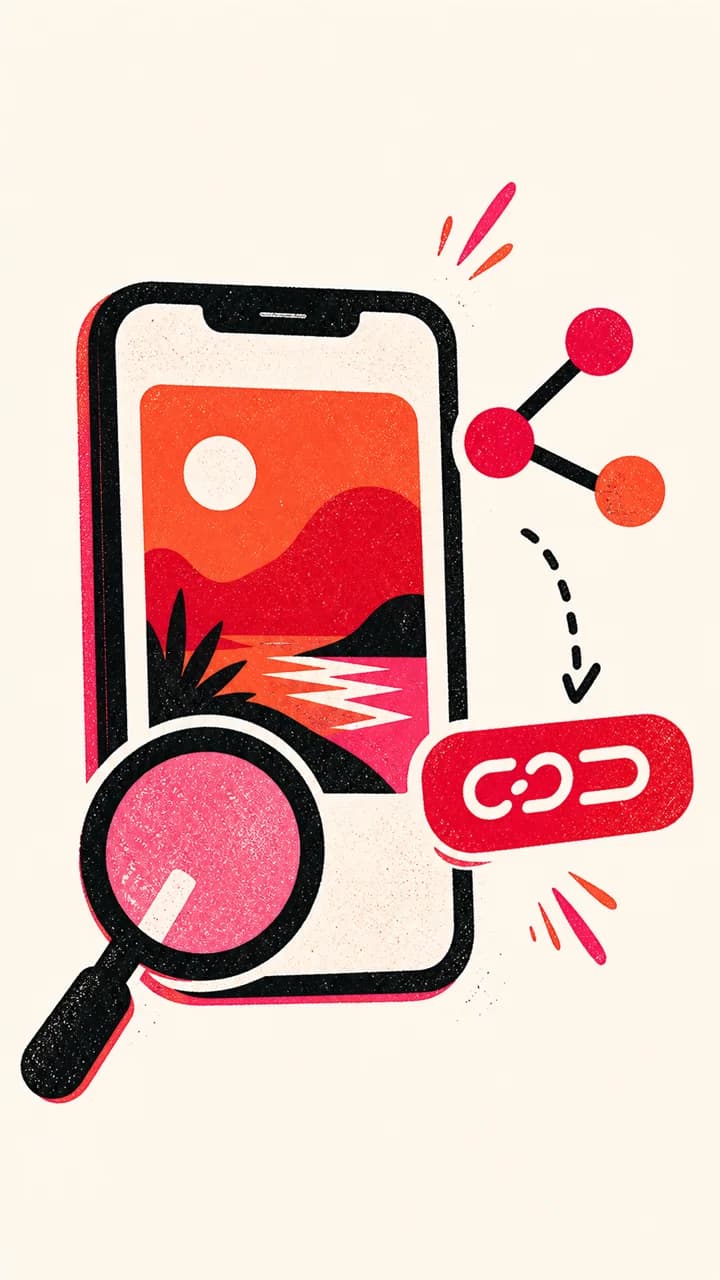
Find the public Story Pin you want to save and copy its link from Share.
- Step 2
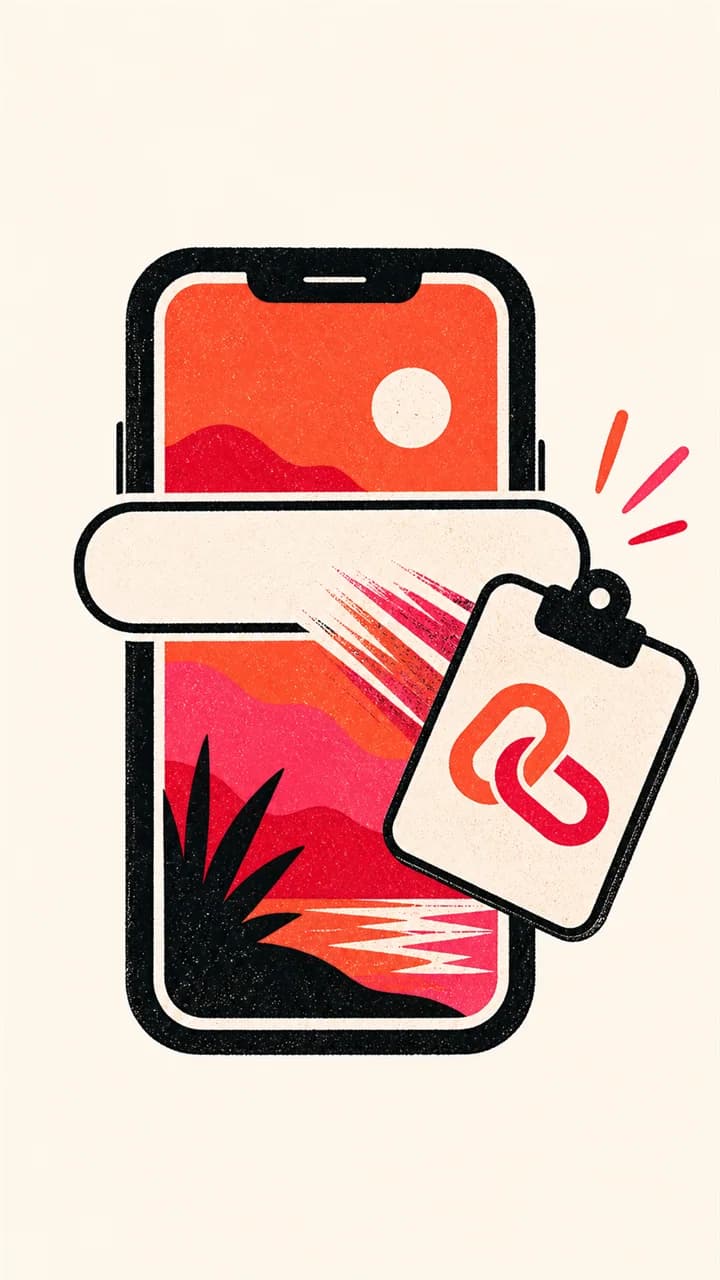
Paste the Story Pin link
Paste the copied link above and click the Download button.
- Step 3
Download the story
Choose an available image or video result and save that file to your device.



Guide
Story Pins and Idea Pins: what the name means now
Pinterest has used the names Story Pins and Idea Pins for a multi-page Pin format. Older articles and searches still use both terms, while a current shared link normally looks like an ordinary /pin/ URL. SavePinner therefore works from the public Pin link rather than relying on a label in the URL.
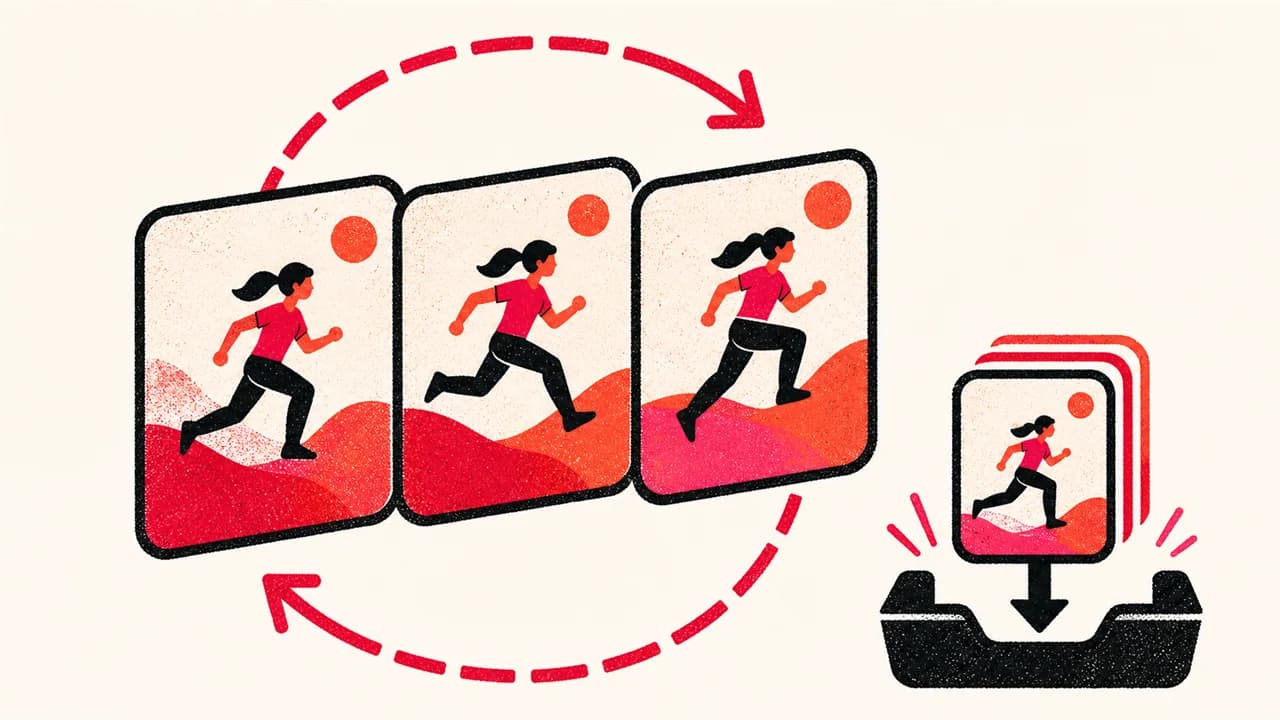
A multi-page Pin can contain still images, video clips or a mixture of both. The result depends on the media Pinterest exposes for the page represented by the public link. The tool does not assume every Story or Idea Pin is a video, and it does not combine separate pages into a new movie.
What you may receive from a Story or Idea Pin
When the public Pin exposes a video rendition, SavePinner shows the available MP4 quality choices. When it exposes an image, it shows image sizes instead. A cover image can also exist alongside video, so read the format and quality label before choosing a file.
Multi-page posts are not always delivered as one package. Pinterest may expose only the selected page or the primary media item through the public Pin response. SavePinner lists what it can verify and does not claim that a single result contains every page, sticker, caption or interactive element from the Pinterest presentation.
- Image page: download an available JPG, PNG or WebP rendition.
- Video page: download an available MP4 rendition.
- Mixed or multi-page post: results may represent only the publicly exposed primary item.
If the expected page or video is missing
First copy the URL from the Pin's Share menu and check that it opens in a private browser window. Secret-board, private-account, deleted and sign-in-gated Pins do not expose their media to a public request. A board, profile or feed URL also does not identify one Story or Idea Pin.
If the Pin opens but only a cover image is returned, the public response did not provide a downloadable video for that item. If several pages are visible on Pinterest but only one result is returned, try sharing the specific page when Pinterest offers that option. SavePinner will not fabricate missing pages or bypass account access.
- Use the individual public Pin URL, not its board.
- Expect the output type to match the exposed media, not the old “Story” label.
- Retrying cannot recover media that Pinterest no longer exposes publicly.
Permissions still apply to every page
Story and Idea Pins often combine a creator's photography, video, text and music. Downloading the visible media does not grant permission to repost the complete work or use its parts commercially. Save only your own material, content you have permission to use, or work licensed for your intended purpose.
SavePinner is independent from Pinterest. It does not remove creator-applied branding or ownership information, and it does not add a SavePinner watermark to the returned file. When sharing is allowed, preserve attribution and the context the rights holder requires.
Frequently Asked Questions
How do I download a Pinterest Story Pin?

Copy the public Story Pin link, paste it above, and choose an available download quality.
Are Pinterest Story Pins downloaded as video?
Not always. A Story or Idea Pin may expose an image, a video, or mixed pages. SavePinner labels and returns the media Pinterest makes available for the public Pin.
Can I download Pinterest Story Pins on iPhone?
Yes. SavePinner works in Safari and other modern mobile browsers without an app.
Is the Pinterest Story downloader free?
Yes. It is free and does not require an account or login.
Does SavePinner store downloaded stories?
No. Downloaded media and pasted Pin links are not stored by SavePinner.
Which Story Pin links are supported?
Public Pinterest Pin links, pin.it short links and country-domain Pin links are supported.