



Fast & Simple
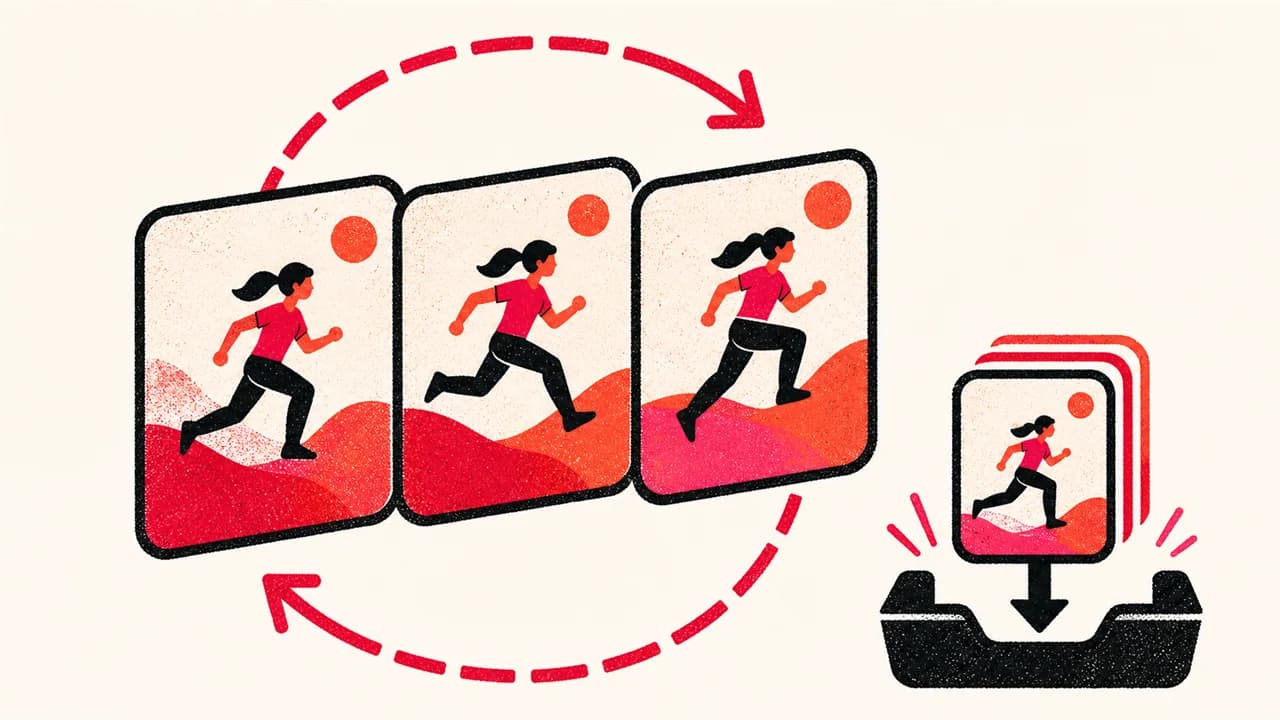
Download any Pinterest image in under 3 seconds. No complicated steps.


Download Pinterest images, photos and thumbnails in the largest quality Pinterest makes available. No login, no watermark, 100% free.
Supports: pinterest.com/pin/ · pin.it short links · All country domains
Open Pinterest, find the image you want to save, and tap the Share button to copy its link.
Paste the copied link into the input box above and click the Download button.
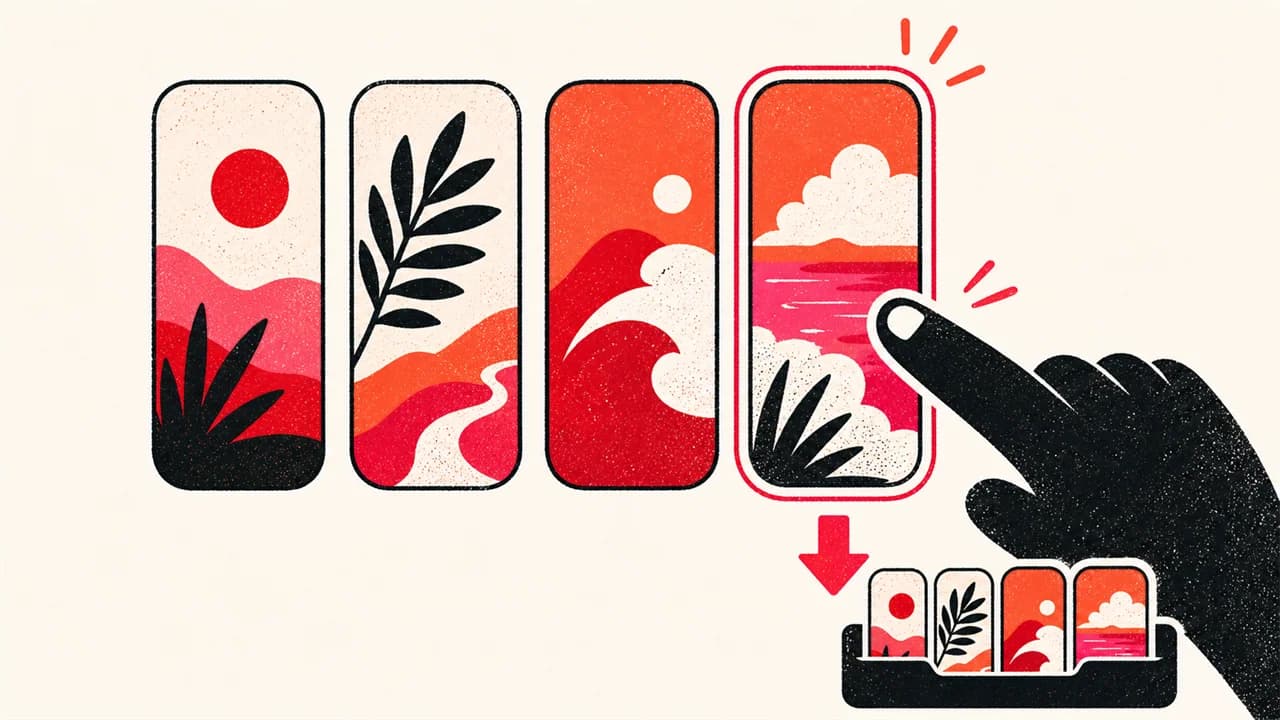
Choose Original when available, or another verified size. SavePinner saves the source file without recompressing it or adding a watermark.
Want to download Pinterest videos? Use our Pinterest video downloader.
Download any Pinterest image in under 3 seconds. No complicated steps.
We fetch the original resolution image, not the compressed thumbnail.
No email, no account, no login. Just paste and download.
A Pinterest Pin can expose several versions of the same image. The small copy shown in a feed is a thumbnail made for fast browsing, while the largest available rendition keeps more of the creator's uploaded detail. SavePinner lists the image candidates it can verify for the public Pin so you can choose the file that fits your use instead of stretching a small preview after download.
Choose Original when it is available and you want the best source for a wallpaper, reference board or permitted design work. A 736x or 564x rendition is often enough for messaging and uses less storage. The 236x thumbnail is useful only when a small preview is the goal; downloading it does not unlock detail that was never present in that file.
SavePinner returns the media format Pinterest publishes. Most photo Pins are JPG or WebP, transparent graphics may be PNG, and an animated source may be GIF. The downloader does not rename a file to make it look like another format, convert a still image into an animation, or artificially enlarge a low-resolution upload.
Before saving, compare the format and dimensions shown with each result. Pixel dimensions tell you more about usable detail than the word HD on its own. Two Pins that look the same size in a feed can provide very different original files because their creators uploaded different sources.
Copy the link from the Share menu on the individual Pin. Full pinterest.com/pin/ URLs, Pinterest country-domain Pin URLs and pin.it short links are accepted. A short link is followed only when it resolves to a public Pinterest Pin.
Board, profile, search-results and home-feed URLs do not identify one downloadable image. Open the item you want first, then copy that Pin's own link. If the link opens only while you are signed in, it may belong to a secret board or private account and cannot be resolved as public media.
A deleted Pin, a private Pin or a regional sign-in wall can prevent the public page from exposing its media. Some article and video Pins also provide only a cover image, while others expose a video but no separate full-size still. SavePinner reports the files it can verify instead of inventing an original that Pinterest did not publish.
If the expected image does not appear, copy the link again from the Pin's Share menu and confirm that the same URL opens without your Pinterest account. Downloading a visible file does not transfer copyright or permission to republish it, so save your own work, material you have permission to use, or content whose license fits your purpose.
Paste a public Pin link and choose an available image size. SavePinner fetches that file from Pinterest's CDN without adding a watermark. A watermark already embedded by the creator remains in the file.
Paste the public Pin link above, then choose Thumbnail (236x) for a small preview or Original for the largest source we can verify. Only available sizes are listed. A video Pin may return video files without a separate downloadable thumbnail, and a small source image cannot be enlarged into a true original.
Yes. Follow the Pinterest downloader for iPhone guide for Safari, Files and Photos, or the Pinterest downloader for Android guide for browser downloads, Gallery and Google Photos.
Yes, our Pinterest video downloader is completely free. Download videos in HD quality (up to 1080p) with no login required.
We support pinterest.com/pin/ links, pin.it short links, and Pinterest country domains (co.uk, de, fr, jp, br, etc.).
SavePinner does not recompress the file. Choose Original when Pinterest exposes a working original source; otherwise choose one of the available renditions. The downloaded quality is limited by that source, and we cannot restore detail missing from it.
No. SavePinner accepts one public Pin link at a time. Open each image you need and copy its individual Pin link; a board, profile or search-results URL cannot be downloaded as a batch or ZIP here.
Yes. All downloads are served over HTTPS. We don't store your downloaded images or Pin links. No malware, no ads injection.